How to copy text from photos and videos on iPhone
The Hindu
How to copy text from photos and videos on iPhone
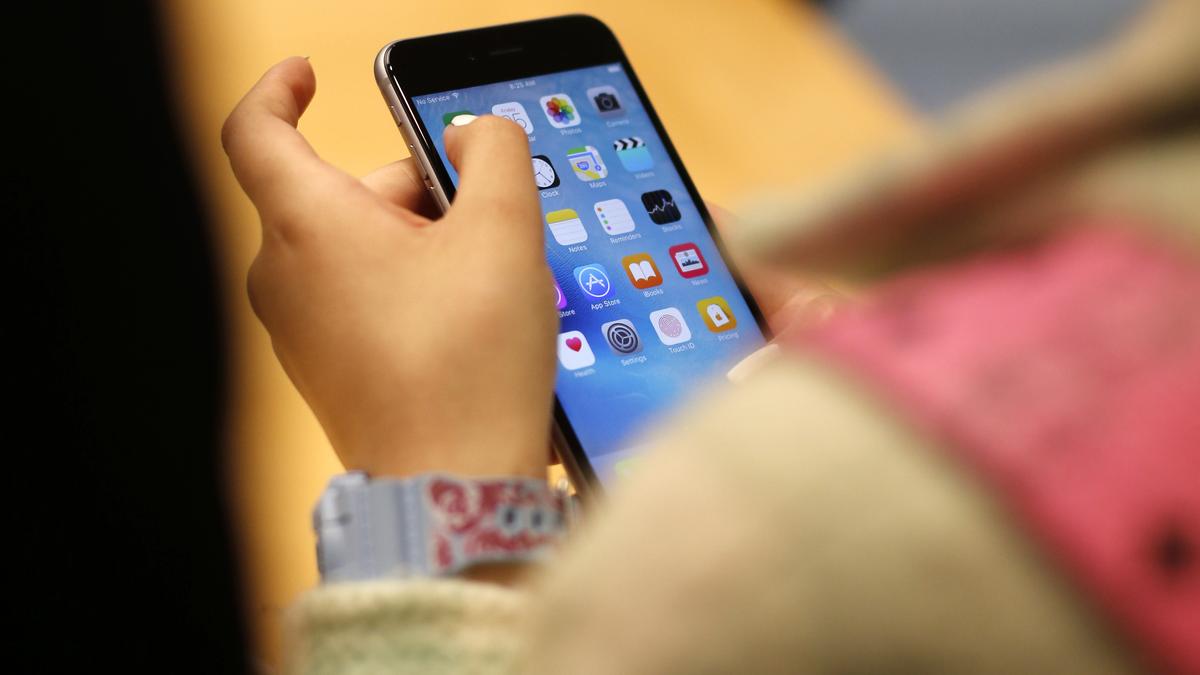
iPhone has an in-built feature to copy text from images and videos. This feature is especially useful for tasks such as copy-pasting. Additionally, users can also place calls and send emails by using the feature.
For easier text selection, tap the Live Text button (the Detect Text button) located in the lower-right corner of the photo.
Additionally, if you wish to save a contact or call a number by copying it from images, you can easily achieve this with just a few simple steps.


Motorists on Valparai Road are warned of increased wild animal activity this summer, particularly elephants seeking water.

In a surprising turn of events, Urvashi theatre, one of Bengaluru’s iconic single screens, has re-opened, with the much-talked-about Dhurandhar: The Revenge running to a full house in the theatre. After the expiry of the 45-year lease, it seemed like curtains would come down on the king-size theatre but for now, it’s good news for fans.

First tranche of Rythu Bharosa released by CM Revanth

Collectors in Kanniyakumari and Thoothukudi inspect polling stations to ensure election preparedness ahead of Tamil Nadu's assembly elections.

The Vice-Chancellor of Rajiv Gandhi University of Health Sciences (RGUHS) B. C. Bhagavan said on Sunday that the university will soon open a research centre on Yoga and Naturopathy on 60-acre land in Bengaluru.

Parliamentary committee urges swift action to fully operationalise Lokpal's inquiry and prosecution wings amid rising corruption complaints.

Hyderabad paediatrician Dr. Sivaranjani Santosh faces legal action from pharma firms over her remarks on ORS labelling reforms.

Palla urges NDA leaders to unite for grassroots outreach, enhancing public trust through balanced welfare and development initiatives.

DRI seizes ₹8.3 crore in drugs and arrests three in Bengaluru, disrupting a major trafficking operation.

Jeevan Reddy announces his decision to part ways with Congress party

Yercaud's garbage to be processed through biomining, addressing waste management issues in the tourist town and surrounding panchayats.

India's gem and jewellery sector aims for a 15% boost in domestic sales by 2026 to counter export challenges amid war impacts.

Tamil Nadu's Fisheries Department will install 26,000 artificial reefs in Rameswaram to protect rare marine species and enhance fish breeding.