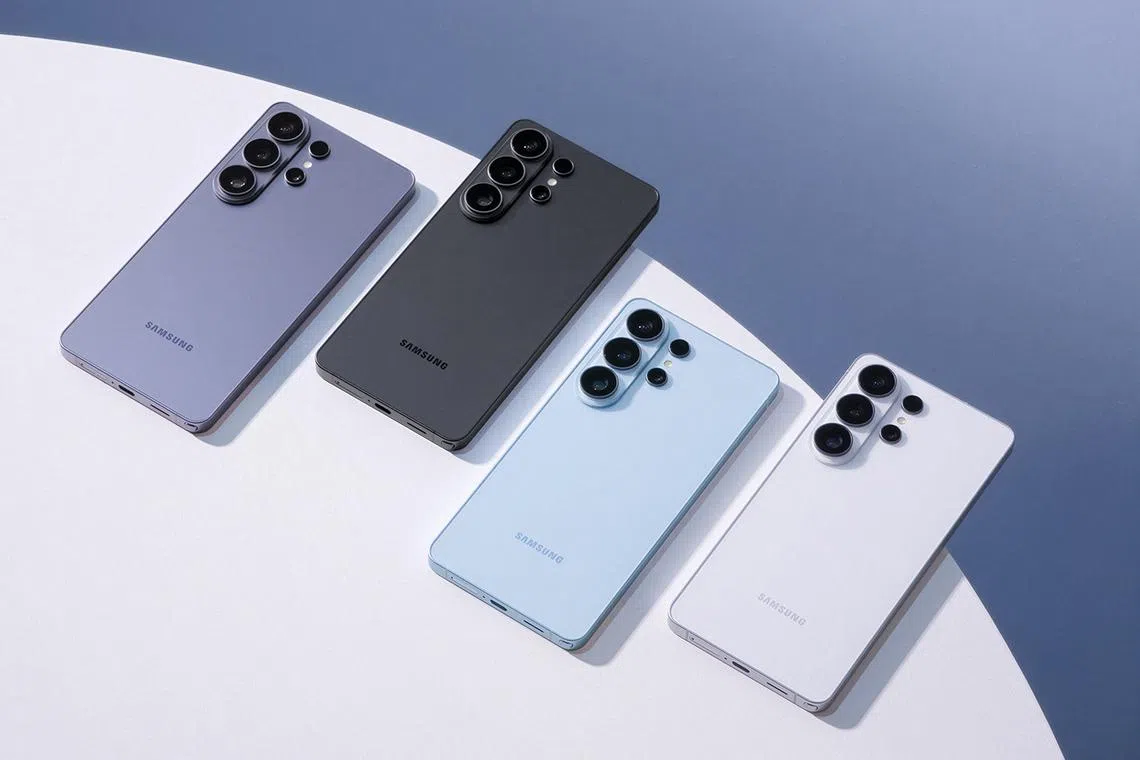
More privacy, better photos: How the Galaxy S26 Ultra is raising the bar on both
The Straits Times
The Samsung Galaxy S26 AI phone enhances privacy and offers advanced photo capabilities with its new privacy display and AI features. Read more at straitstimes.com.
Your screen is rarely as private as it seems. In crowded trains or shared workspaces, messages and verification codes often appear in full view of people around you. Your instinct may be to angle your screen away from your neighbour’s view or quickly switch apps. With the Samsung Galaxy S26 Ultra, you don’t have to.
Its privacy display can automatically mask sensitive details from side angles – such as passwords or incoming notifications – while keeping the rest of your screen bright and easy to read. You can continue replying to messages, scrolling through emails or watching a video without having to worry about unwanted onlookers.
Unlike stick-on privacy protectors that can darken or mute colours, this feature is built directly into the device. It shields only the most sensitive areas or is limited to certain apps, leaving everything else easy to see. Or you can choose to protect the entire screen from prying shoulder-surfers – the choice is yours.
It’s one of several features on the Galaxy S26 Ultra designed to prioritise privacy. Built as a “true” AI phone, the Galaxy S26 Series – which includes the Galaxy S26, Galaxy S26+ and Galaxy S26 Ultra – pairs next-generation Galaxy AI with hardware designed to handle everyday demands such as delivering sharp photos and handling intensive tasks such as streaming, gaming or editing on the go without missing a beat.
Privacy, however, goes beyond what appears on the screen.
Behind the scenes, Samsung Knox, a defence-grade security platform built into the phone’s hardware and software across the entire Galaxy S26 Series, helps protect your data from the system level. From messages and call logs to saved passwords and personal files, sensitive information is safeguarded even as AI features work across different apps.


The area is a major construction corridor, with an MRT station and a viaduct being built. Read more at straitstimes.com.

A pair of middle-class couples come together to talk about their sons' playground fight. Read more at straitstimes.com.

An Alegrian and an Iraqi share how they built stalls in Singapore, serving dishes from their home countries adapted for local diners. Read more at straitstimes.com.

Japanese restaurants and food brands have not had an easy time lately. How do Hachi Restaurant and Tampopo thrive? Read more at straitstimes.com.

Hawker stall Taco Liberation Co and cake store The Patissier sell blind boxes with food. Read more at straitstimes.com.

The viral Grimace Shake has landed in Singapore, along with character merch. Available for a limited time. Read more at straitstimes.com.

The Samsung Galaxy S26 AI phone enhances privacy and offers advanced photo capabilities with its new privacy display and AI features. Read more at straitstimes.com.

Singapore's food prices may increase due to logistical issues caused by the war in the Middle East and climate change impacts. Read more at straitstimes.com.

German printer and publisher Gerhard Steidl is also curating an exhibition in Singapore. Read more at straitstimes.com.

It features 160 artefacts and artworks to do with the body, from anatomical drawings to a preserved head. Read more at straitstimes.com.

Go early and opt to be seated at its sister restaurant on the same floor to secure a table. Read more at straitstimes.com.

Among the three market segments, the rest of central region led in condo and private apartment sales in February. Read more at straitstimes.com.

Find return points for your beverage containers with the new website launched for Singapore's recycling scheme. Read more at straitstimes.com.